Quest for JARVIS - Rise of RAIVIN
OK, I am sure you are looking at the title and saying what the heck is this about, right? Well, if you read the full bio on the Operator page you probably noticed that I mentioned my interest in Home Assistant and in AI. That is where this project begins.
Starting roughly 5 years ago, I saw a few YouTube videos of HA (Home Assistant) users beginning to integrate a voice assistant as a helper in Voice Assistant. And most were trying to use a voice that mimicked JARVIS from the Iron Man movie series. I attempted to do the same. After quite a bit of work, I was finally able to get something similar running on my Home Assistant server that I had set up for this app. But one thing you should know about me is that I am somewhat of a perfectionist. And in this case, my JARVIS just didn't sound like "THE" JARVIS. And I just could not make him sound like the real thing, despite hours of reading on the Internet and trying lots of tweaks.
And then one day it occurred to me - JARVIS was just someone's creation. Why was I trying so hard to copy him? After all, I could just create my own, right?? And that became my new goal.
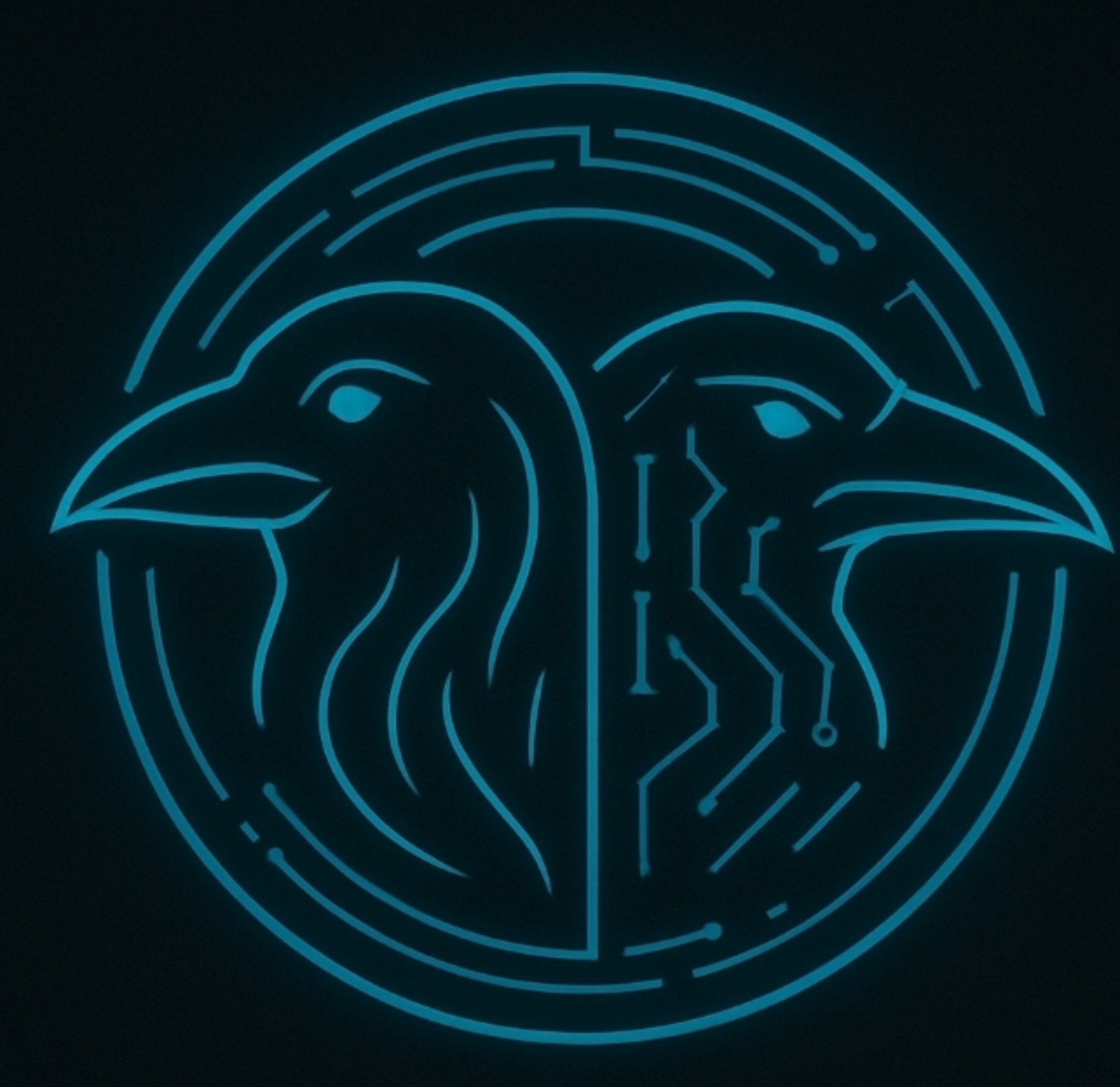
After a bit of thought, and asking multiple AI agents online (ChatGPT, Gemini, and Claude, to name a few), I landed on the name RAIVIN. The significance behind the name is that I have a set of twin grandsons - which are nothing alike, by the way - named Ray and Vince. So taking the first 3 letters from each I got RAYVIN. But since this was going to be an AI, I decided to change RAY to RAI and thus RAIVIN was born. Next I needed an Icon or Avatar. Ray and Vince are very different. Ray is the outgoing, never met a stranger, always smiling one. Vince is the quiet, introspective, studious, always serious one. So I needed a 2 headed Raven (play on words) with one smiling and one serious head. I have to tell you, it is hard to make a bird face look like it is smiling or serious, but here is the result.
Next, came the PC. First a little education for those of you that do not know anything about an AI computer. Typically, adding a higher powered CPU, or more RAM, makes a typical computer faster. That is not the case with an AI computer. An AI model needs a GPU (Graphics Processing Unit) instead of a CPU (Central Processing Unit) primarily because modern artificial intelligence relies heavily on massive parallel processing and high-bandwidth memory rather than sequential, complex decision-making. And whereas a CPU typically features a small number of powerful, versatile cores, a GPU features thousands of smaller simpler cores working at the exact same time. So for an AI computer, you need a high-end GPU (graphics card). The drawback to this is that while you can get a pretty high-end CPU for under $1000, that isn't going to happen for a GPU.
So with that in mind, I wanted to try to get something decent, without breaking the bank. So after a little hunting through some used equipment on eBay, I managed to come up with these two items:
1) HP Z4 G4 Workstation Xeon W-2123 3.60GHz 32GB RAM 256GB SSD Quadro P2000
2) ZOTAC GAMING GeForce RTX 3060 Twin Edge OC 12GB GDDR6 Graphics Card
I replaced the Quadro P2000 with the RTX 3060, added a 4TB hard drive and it was ready to put it to use. The next thing was to install Ubuntu 24.04.5 LTS. After that I needed a computer (domain) name. I had another grandson that I did not want to feel left out. I figured if a King lived in a Kingdom, then RAYVIN should live in RAYVINDOM - and it just so happend my third grandson's name is Dominic. Sounds like a match made in Heaven. But what about the other 8 grandkids? I took the first letter of each one's first name and did a little shuffling, and ended up with my username: CRABBLIN. So in the realm of Rayvindom lives the Wizard Crabblin, the creator of Raivin. Corny, I know. But what else does a 76-year-old computer geek do?
Back to the AI. I installed a program called Ollama, which is an open-source platform that lets you download, install and manage Large Language Models (LLMs). These are the actual AI programs. For my GPU, I have learned that I need to typically stay around 7B to 9B sized models. Anything larger runs much slower, if at all. At this point, if you are interested in giving this a try, I suggest you just download a few different models and play with them to see which gives you the best results. Ultimately, I sort of created my own, whcih I did by making a few customizations, starting with the llama3.2:3b-instruct-q4_K_M which is a 3.2-billion-parameter Meta model compressed to 4-bit (Q4_K_M). I then modified it slightly by editing the prompt with the following: "You are Raivin, a superior AI created by the mighty wizard Crabblin to rule Rayvindom…", with a snarky, confident, Jarvis-like tone. I then renamed the model to raivin-chat. Here is a sample of what Raivin sounds like:
Raivin of Rayvindom
Raivin is now fully integrated into my Home Assistant. So while I have already invested in several Amazon Echo Devices and have them in most rooms, I am quickly adding Raivin devices alongside them. And as we grow more accustomed to asking Raivin the kinds of questions we used to ask Alexa, he has become more of a familiar part of the house. In fact when I get to the kitchen to grab my first cup of coffee in the morning, Raivin gives me a morning briefing consisting of the weather and recommended attire for the day. He tells me what's on my calendar including birthdays, anniversaries and the like. He gives me a quick one-liner on the top Tech, Business and Political news stories of the day, and then for the finishing touch he reads me the daily Bible verse.
One final note, if you are wondering what this has to do with Ham Radio, I think it dovetails very nicely. Home Assistant communicates with all sorts of devices, sensors, and small experimental boards like the ESP32. And the AI, or more specifically the voice module, is being used to announce any station calling me in WSJT-X using my Raivin voice. Check out the next project about my Linux Station Desk.